A-Z of CANVA Manipulation

About Course
A to Z of Canva Design & AI Image Manipulation
Step into the world of creativity where every pixel has purpose and every design feels like magic. The A to Z of Canva Manipulation takes you from curious beginner to creative master. You’ll learn to design like an artist, think like a strategist, and create visuals that shine like diamonds in a digital world full of noise.
Within this immersive experience, you’ll uncover secrets that transform ordinary ideas into stunning visuals. Like a sculptor shaping marble, you’ll craft designs that feel alive, fluid, and unforgettable.
Here’s a taste of what’s waiting for you inside:
🎨 Design general principles
💻 How to set up your Canva account
🧭 How to navigate the interface
🧩 How to edit Canva templates
🎥 How to create and edit HD videos
🌐 How to create websites
📚 How to create carousels and presentations
📄 How to import and edit PDFs
📘 How to create e-books in Canva
✨ How to design mini logo designs
💎 Graphic designers’ secrets
🤖 AI image generator tips and tricks
💰 How to create and sell Canva templates
🌈 And many more beyond Canva
You’ll not only learn how to design, you’ll learn how to own your creative power. Every lesson is crafted to help you think, create, and sell like a pro.
Your Exclusive Bonus Access Includes
-
FREE Access to Canva Pro for the first 50 students, valid for 1 to 6 months.
-
Over 3000 premium design assets and resources.
-
150+ paid Canva templates ready for your projects.
-
A Lifetime access to the course and future updates.
-
And so much more waiting for you, absolutely free.
By the end, you won’t just know Canva. You’ll command it like a creative weapon. Your designs will tell stories, move hearts, and make people stop and stare.
This is more than a course. It’s your transformation from beginner to bold designer, from ordinary to unforgettable.
Course Content
🟦 MODULE 1 — Introduction to Canva
-
-
12:16
-
Dashboard tour (mobile & desktop) 2
05:55 -
How to start a new design; Understanding existing templates
-
Which is better?
🟩 MODULE 2 — Core Tools You Must Know
🟧 MODULE 3 – Creating Your First Designs
Module 4: Image Manipulation & Canva Tricks
Module 4 : File Formats & Exporting
Monetizing Your Canva Skills
BONUS
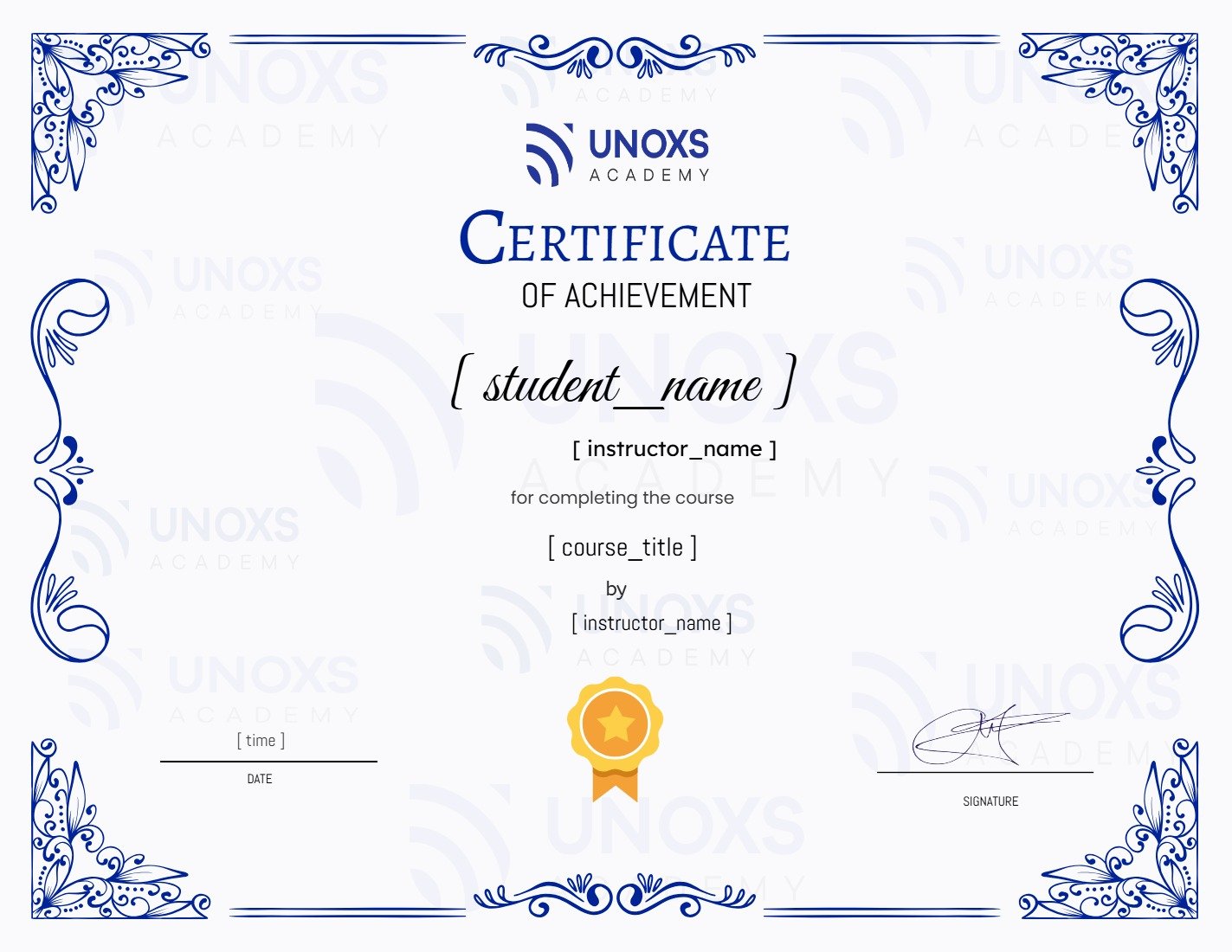
Earn a certificate
Add this certificate to your resume to demonstrate your skills & increase your chances of getting noticed.
Student Ratings & Reviews